Blinking an LED with Arduino using TinkerCAD
Our instructor in EE 101 told us to get oriented about TinkerCAD. Unfortunately, some of my classmates do not own a laptop or desktop. This is a problem because TinkerCAD is a web-based simulator which works properly using desktop or laptop only. As an initiative, I created a video demonstrating the TinkerCAD environment. I picked the Blink because it’s one of the basics. We also did something like this in the past so I think it’s easy to follow. I just wanted to show the TinkerCAD environment so that we are on the same page.
Video Link
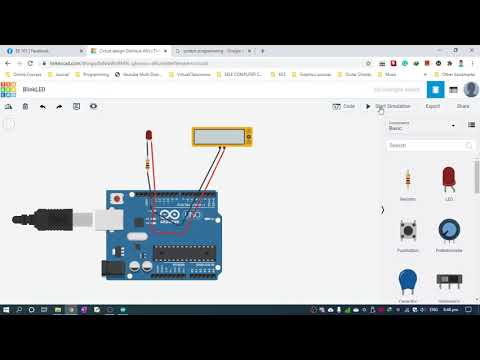
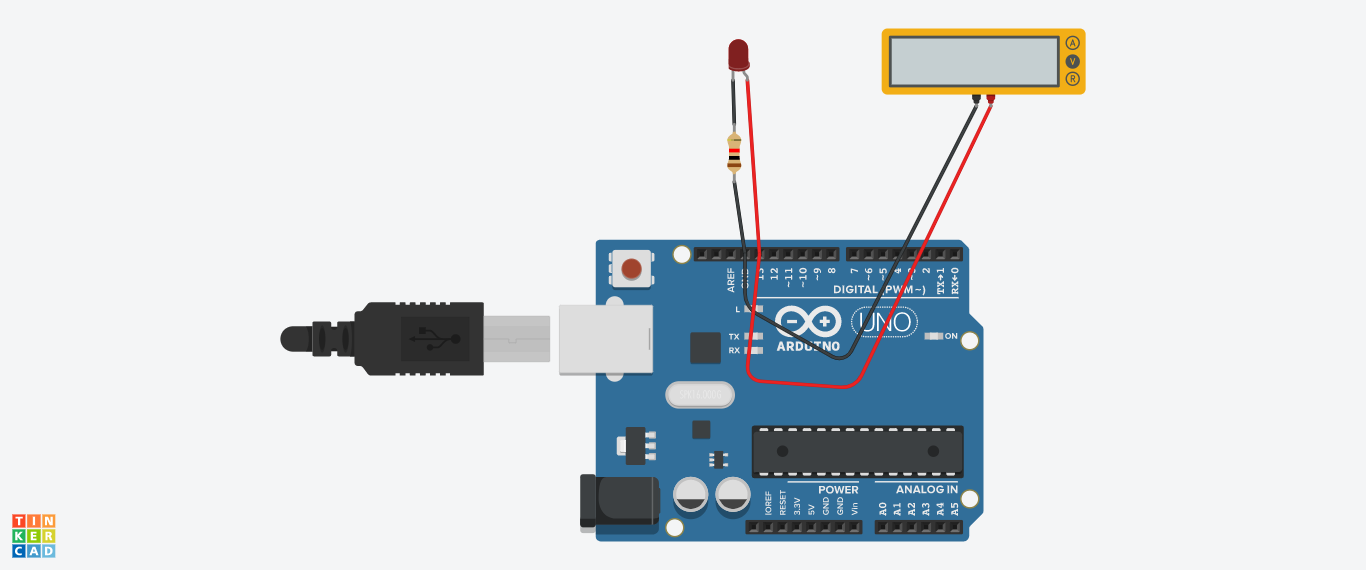
Circuit Diagram
Code
Here’s the code that I demonstrated in the video. To use this with TinkerCAD, simply copy the code below.
void setup(){
    pinMode(13, OUTPUT); #=> make the LED as output; light
}

void loop(){
    digitalWrite(13, HIGH); #=> HIGH - give 5 volts
    delay(1000);    #=> wait for 1 sec = 1000 ms
    digitalWrite(13, LOW); #=> LOW - give 0 volts
    delay(1000);    #=> wait for 1 sec = 1000 ms
}